购物车空
继续购物As of now, there is no native version of MLB The Show 26 for PC. The game is officially available only on PlayStation 5, Xbox Series X|S, and Nintendo Switch. However, if you want to play MLB The Show 26 on your PC, there are still a couple of options that allow you to enjoy the game without needing a console. Here's how you can do it:
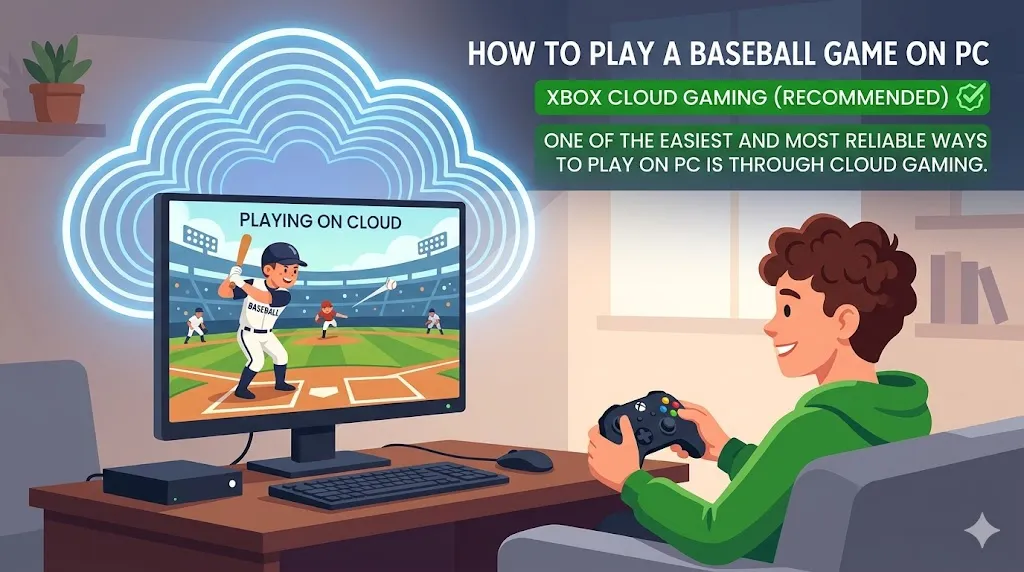
One of the easiest and most reliable ways to play MLB The Show 26 on a PC is through Xbox Cloud Gaming. This method allows you to stream the game directly to your computer, even if you don't own an Xbox console. You'll need a few things to get started:
It's important to note that unlike previous years, MLB The Show 26 is not available for free with Xbox Game Pass at launch. You will need to purchase the game separately to stream it.

If you already own a PlayStation 5 and have MLB The Show 26 installed, you can stream the game from your console to your PC using PlayStation Remote Play. This method requires a PlayStation 5 and a stable internet connection, but it offers another way to enjoy the game on your PC without needing to buy a separate gaming device.
This method is useful if you already have a PS5 and don't want to purchase additional hardware or streaming services.
Both Xbox Cloud Gaming and PlayStation Remote Play require a compatible controller, such as an Xbox controller or DualSense (PS5 controller). MLB The Show 26 does not support mouse and keyboard controls, so you will need to use a physical controller to play the game.
Since both methods rely on streaming, the performance will depend heavily on the quality of your internet connection. Streaming can introduce some input lag, which can be a challenge, especially during critical moments like hitting and pitching. To minimize lag and ensure smooth gameplay, it's highly recommended to use a wired ethernet connection. A stable connection with low latency is essential for the best experience.