购物车空
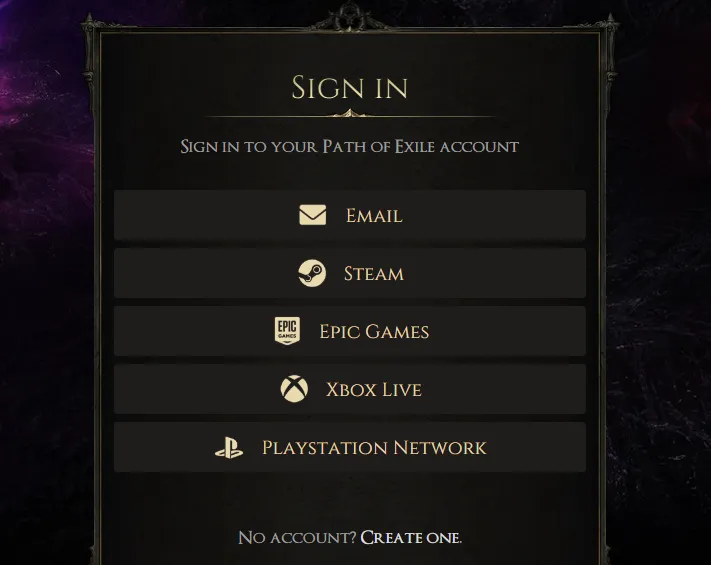
继续购物Go to the Official Path of Exile Connections page and log in with your account (or Steam/Epic/Console credentials).
Visit your Twitch Settings page.
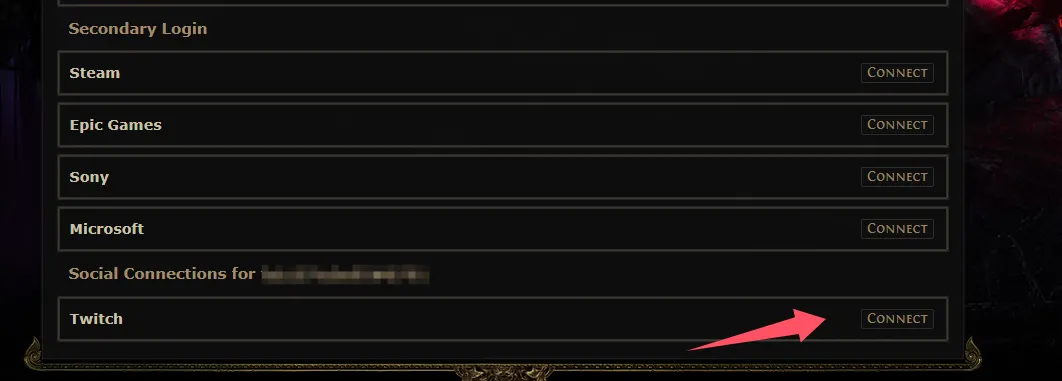
If your account isn't connected, click the "Connect" button for Twitch under "Other Connections". Complete the process on Twitch and you will be redirected back to your Twitch Settings page.
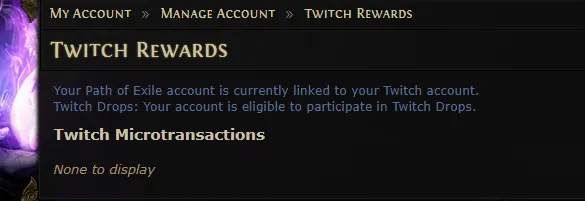
If your account is already connected, this page should say "Your Path of Exile account is currently linked to your Twitch account."
Claim Rewards: After watching the required time, you must manually claim drops from your Twitch Inventory before the campaign ends.