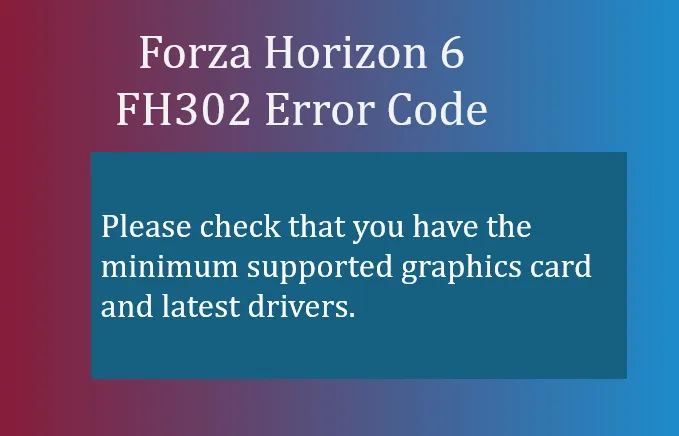
If you've run into FH302 while trying to play Forza Horizon 6), you're not alone. This error essentially means “Unable to detect graphics driver version.” The game launches, but it cannot read or communicate with your GPU driver properly. Players often notice stuttering, drops in performance, or even crashes at startup.
- Please check that you have the minimum supported graphics card and latest drivers.
Understanding FH302 is key—it's usually hardware or driver-related, not a corrupted game install.
Common Causes of FH302
- Outdated or Corrupted Graphics Drivers. The game cannot verify the driver version if files are missing or broken.
- Integrated GPU Conflicts. Laptops and some desktops have onboard GPUs that can confuse the game.
- Background Overlays and Monitoring Software. Programs like GeForce Experience, AMD Radeon Overlay, or recording utilities may interfere with driver detection.
- Initial Launch Bugs. On some systems that meet the specs, FH302 may appear as a minor launch-week bug.
How to Fix FH302
1. Perform a Clean Graphics Driver Reinstall
- Download the latest driver from your GPU manufacturer:
- Select Custom Installation and check Clean Installation.
- This removes old registry conflicts and corrupted files.
2. Disable Integrated Graphics
- Open Device Manager → Expand Display Adapters.
- Right-click your integrated GPU (Intel Iris / AMD Radeon Graphics) → Disable device.
- Ensure your dedicated GPU is the primary one for FH6.
3. Ignore the Warning (if specs are met)
- If your PC meets minimum requirements and drivers are up to date, click Ignore Warning or Continue.
- Some players report that the game still launches fine after bypassing the popup.
4. Turn Off Background Overlays
- Open your GPU software suite:
- NVIDIA GeForce Experience: disable performance overlay, FPS counter, recording.
- AMD Adrenalin Edition: disable overlays, recording, or in-game stats.
- Close third-party monitoring or capture apps (e.g., Discord overlay, MSI Afterburner) before launching the game.
Quick Tips
- Always restart your PC after driver updates.
- Check that your GPU is supported by FH6 minimum specs.
- Ensure Windows is fully updated, as missing OS patches can affect driver detection.
FH302 is frustrating, but usually easy to fix with a clean driver install, disabling integrated graphics, or turning off background overlays. If your PC meets the requirements, you can often bypass the warning and play normally. Staying on top of GPU updates and monitoring software ensures smooth performance in Forza Horizon 6.
If you're looking to jump into FH6 without waiting for in-game rewards or grind, platforms like SHANNENG provide a safe and quick way to purchase Forza Horizon 6 credits, letting you upgrade cars, unlock content, and enjoy the game to its fullest.