购物车

购物车空

继续购物
总计 ¥0.00
结算
首页 / 博客
Forza Horizon 6: How to Save Your Game
Zubo
May 20, 2026
2456

In Forza Horizon 6, the game automatically saves your progress, but knowing how to ensure your data is secure can save you a lot of frustration—especially after long races, rare car wins, or completing major events.

How Saving Works in FH6

Unlike some other games, FH6 does not have a traditional “Save Game” button. Instead, it uses a continuous autosave system that records progress at key moments:

  • Completing races or challenges
  • Buying or upgrading cars
  • Finishing events or side missions

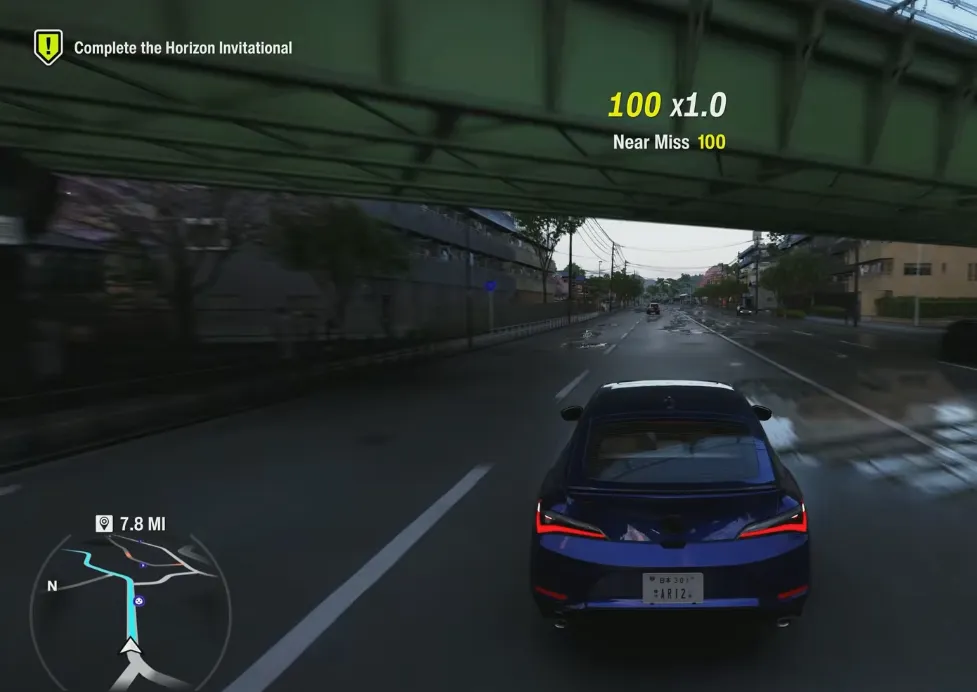
The autosave happens in the background, and a small spinning save icon appears on the screen when the game is writing data. You'll typically see it near the speedometer in the bottom-right corner. Always wait for this icon to disappear before exiting the game to prevent any loss of progress.

Buy Forza Horizon 6(FH6) Credits

Forcing an Immediate Save

If you want to make absolutely sure your latest progress is saved before quitting, there are several ways to trigger an instant autosave:

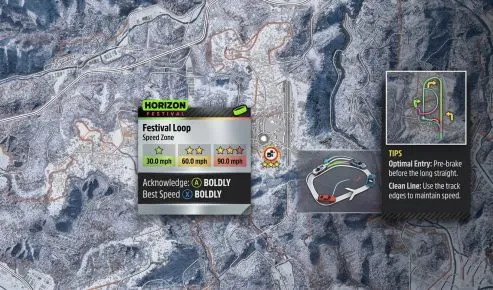
  • Fast Travel: Warp to any festival site, unlocked player house, or event hub.
  • Enter a Building: Drive into a Horizon Festival site or your player house and step inside.
  • Swap Vehicles or Modify Cars: Changing your current car or applying upgrades, tunes, or liveries will prompt a save.
  • Photo Mode Trick:
    1. Press up on the D-Pad (controller) or P (PC keyboard).
    2. Select Take Photo.
    3. Capture a photo and exit the camera. This forces FH6 to log your progress immediately.

Watch the small saving icon to confirm the game has completed the write operation before closing the session.
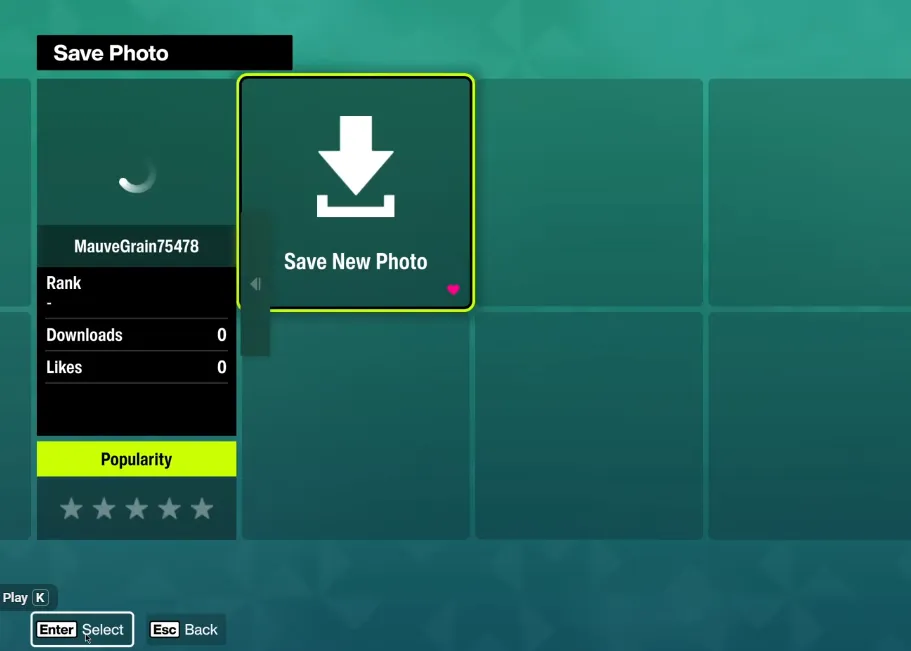
Forza Horizon 6 Save Photo

PC Saving Tips

Some PC players notice progress not sticking between sessions, especially when running FH6 via Xbox Game Pass or Steam. Common fixes include:

  • Run as Administrator: Right-click the FH6 executable and choose “Run as administrator” to ensure the game has permission to write save files.
  • Check Save Locations: Make sure your user folders or game directories aren't restricted by permissions or cloud sync conflicts.
  • Avoid Killing the Game Too Quickly: Closing the window while the save icon is spinning can interrupt autosave.

Key Points to Remember

  1. FH6 automatically saves frequently—you just need to respect the save icon.
  2. Fast travel, entering buildings, car swaps, and Photo Mode can all force an instant save.
  3. PC users may need extra steps to ensure permission to write to save folders.
  4. There is no manual save button, so the autosave system is your friend—use it wisely.

By following these tips, you can confidently exit Forza Horizon 6 without worrying about losing your progress. Whether you've just unlocked a rare car or completed a tough event, forcing a save ensures every mile and reward is safely recorded.

相关文章
流亡黯道2(國際版)
侠盗猎车手5
暗黑破壞神 4
流亡黯道(國際版)
地產大亨 GO!
火炬之光:無限
辐射76
沙丘觉醒
棒球 25
College Football 27
使命召唤:黑色行动7
侠盗猎车手6
罗布乐思
Madden NFL 27
种植花园
FC 27
NBA 2K27
无烬战争
偷走脑红
森林中的99夜
绝地潜兵2
宝可梦传说 ZA
永恆之塔2
ARC Raiders
创世灰烬
美國職棒大聯盟 26
恐惧之谜
天堂:經典版
Dark and Darker
失落星船:马拉松
VAMPIR:血之繼承者
暗黑破壞神 2: 獄火重生
英雄围城(Hero Siege)
晶陨(Crystalfall)
天堂W - 东南亚服
帝国神话:王权